
South Korea D-2 Student Visa & Part-Time Work Permit Guide: Working Hours, TOPIK Rules & HiKorea Application

🇰🇷 Essential Korea Visa Guide
Studying in South Korea on a D-2 Student Visa is an exciting milestone, and taking on a part-time job (아르바이트 / 시간제취업) is one of the best ways to support your living expenses while gaining real-world Korean experience. However, unlike domestic students, international students cannot simply accept a job offer and start working right away.
Under the Korean Immigration Control Act, every D-2 visa holder must obtain an official Part-Time Work Permit (체류자격외활동허가) from the Korea Immigration Service before starting any paid shift. Knowing your TOPIK-based weekly hour cap, gathering university signatures, and filing properly on HiKorea will protect you from heavy fines or visa cancellation.
In this complete guide, we break down the 3 essential steps for D-2 student part-time work: eligibility and weekly hour limits, required documents and HiKorea filing, and restricted jobs you must avoid.
D-2 Student Visa & Part-Time Work Permit: Step-by-Step Guide
Planning your stay in South Korea? 🇰🇷🛂
Here is your step-by-step breakdown of eligibility, documents, and insider immigration tips!
01 Eligibility & TOPIK-Based Weekly Work Hour Limits
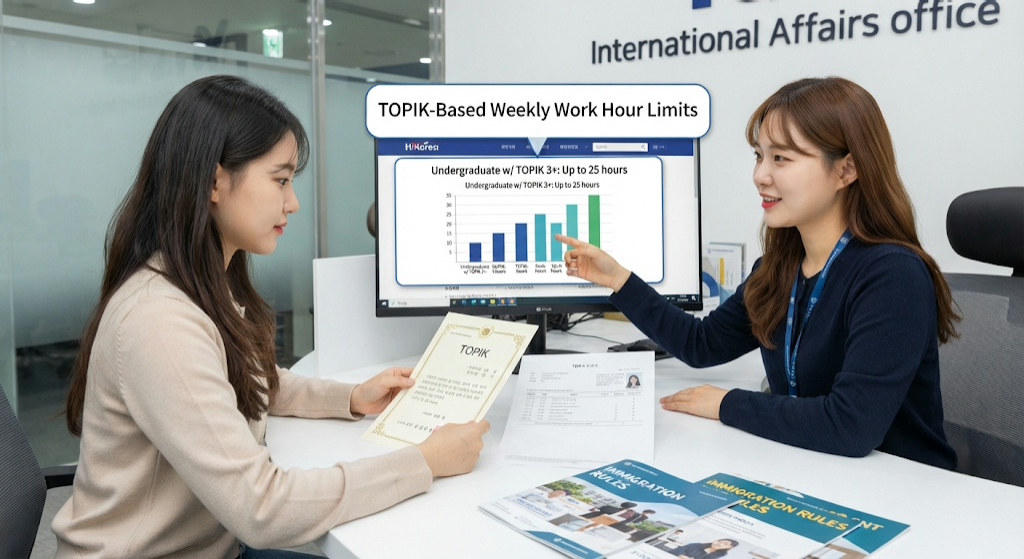
📋 Key Criteria: You must hold a valid D-2-1 (Associate), D-2-2 (Bachelor’s), D-2-3 (Master’s), or D-2-4 (Doctoral) visa and have completed your Alien Registration Card (ARC) issuance. To qualify, your cumulative attendance rate must be at least 70% and your previous semester’s GPA must be 2.0 (C) or higher (first-semester freshmen are exempt from prior GPA checks).
✅ What to Check: Your maximum allowed working hours depend directly on your academic level and verified Korean proficiency (TOPIK, KIIP, or Sejong Hakdang):
* Undergraduate (Years 1–2) with TOPIK 3+: Up to 25 hours/week (or up to 30 hours/week if attending an IEQAS-certified university with top grades).
* Undergraduate (Years 3–4) & Graduate Students with TOPIK 4+: Up to 30–35 hours/week during semesters.
* Students Without Required Korean Score: Strictly capped at 10 hours/week (or 15 hours/week for master’s/doctoral students if enrolled in an English-track degree program).
* Official School Vacations: No weekly hour limit applies during summer and winter breaks (once your permit is approved).
💬 Immigration Pro Tip: Make sure your TOPIK certificate is still within its 2-year validity period when submitting your application—an expired TOPIK score drops you back to the 10-hour weekly limit.
02 Required Documents & HiKorea Application Process
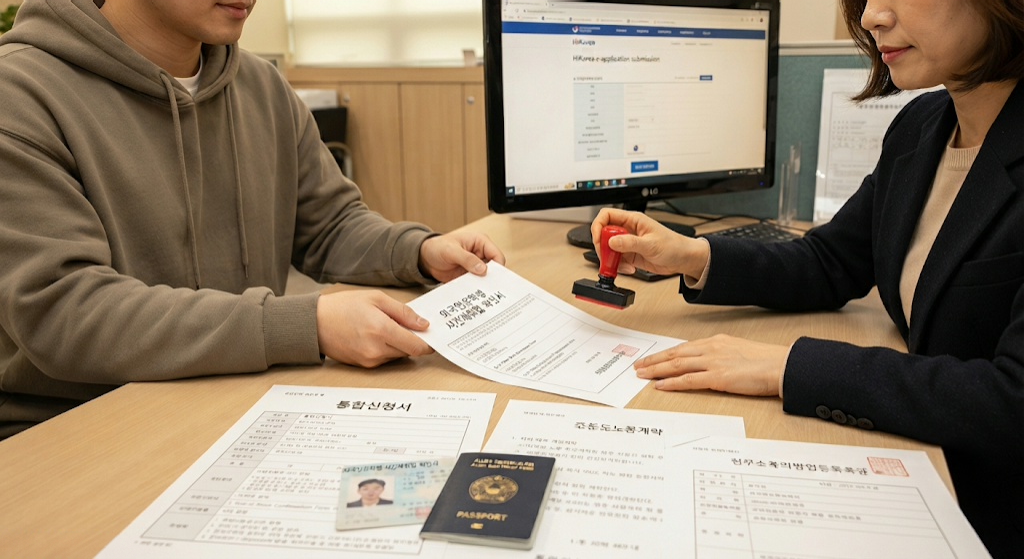
📂 Document Checklist: Prepare clean scans or originals of all 7 mandatory items before applying:
1. Passport & front/back copy of your Alien Registration Card (ARC).
2. Integrated Application Form (통합신청서).
3. Part-Time Work Confirmation Form (외국인유학생 시간제취업 확인서) signed by both your employer and your university’s International Affairs coordinator.
4. Certificate of Enrollment (재학증명서) & Academic Transcript (성적증명서).
5. Korean Proficiency Proof (valid TOPIK score report, KIIP certificate, or English-track verification from your university).
6. Employer’s Business Registration Certificate (사업자등록증 사본) & signed Standard Labor Contract (표준근로계약서) showing hourly wage and work schedule.
7. Employer’s ID Copy (and manufacturing business registration if working in approved light manufacturing).
🕒 How to Apply: First, have your employer fill out the labor contract and Part-Time Work Confirmation Form, then submit them to your university’s Office of International Affairs for official approval and stamp. Next, log into HiKorea (hikorea.go.kr) and submit an online e-Application (전자민원 → 체류자격외활동허가)—which is free of charge—or book an in-person immigration visit. Approval typically takes 1 to 2 weeks, and you must wait until official approval appears on HiKorea before working your first shift.
💬 Immigration Pro Tip: Applying via HiKorea e-Application waives the standard 20,000 KRW stamp fee and saves you a trip to the immigration office—just ensure all PDF scans are clear and under the file-size limit.
03 Crucial Rules, Restricted Jobs & Pitfalls to Avoid
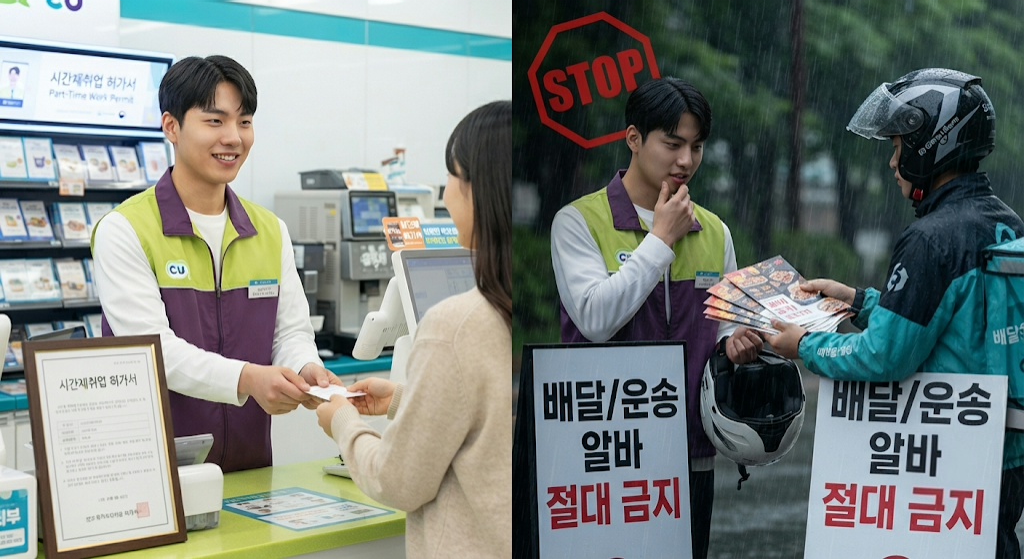
⚠️ Watch Out For: Even with an approved permit, D-2 students are strictly prohibited from working in certain high-risk or restricted sectors:
* Delivery & Gig Platforms: Food delivery riders (Baemin, Coupang Eats) and app-based courier/driver gigs are banned.
* Construction & Heavy Manufacturing: Construction sites and non-exempt manufacturing plants are prohibited.
* Private Tutoring (과외): Teaching English or other subjects privately at homes or unregistered study rooms is illegal.
* Adult Entertainment & Speculative Businesses: Bars/clubs classified as entertainment establishments (유흥주점) and gambling venues are strictly forbidden.
* Remote/Distance Commutes: Your workplace must be within a reasonable commuting distance (generally within 1 hour to 1.5 hours) of your university or registered residence.
🔄 Renewal & Next Steps: A part-time work permit is tied to a specific employer, location, and schedule (you can hold up to 2 approved workplaces at once within your total weekly hour cap). If you change jobs, extend your contract, or renew your D-2 visa, you must submit a new part-time work permit application before working under the new terms.
💬 Immigration Pro Tip: Working even a single shift without prior HiKorea approval—including unpaid “trial shifts”—counts as illegal employment and can result in fines starting at 1 million KRW or deportation. When in doubt, call the 1345 Immigration Contact Center (English support available) before starting.
🇰🇷 BKORS K-CULTURE & LIFE IN KOREA
Navigating Life & Visas in South Korea?
From step-by-step visa checklists and ARC tips to housing, banking, and local guides, we help foreign residents thrive in Korea. Bookmark BKORS.com for your next update!